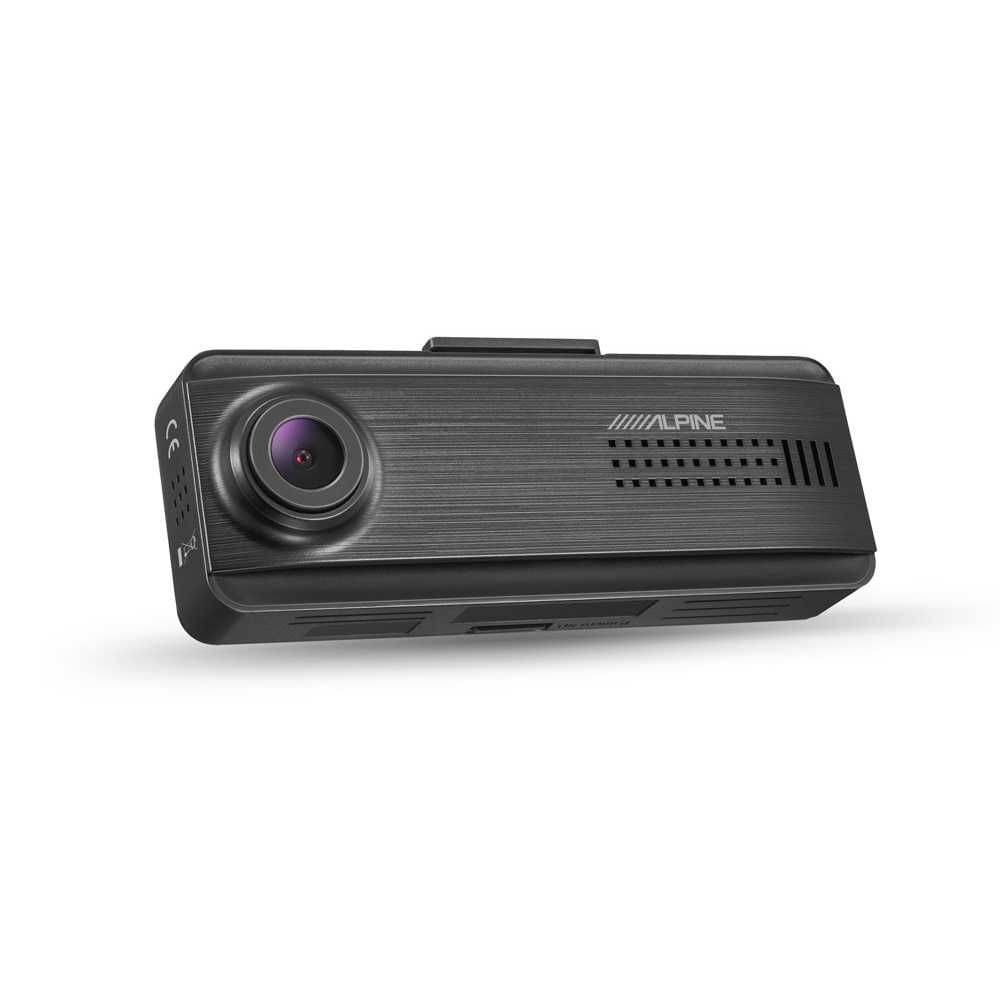
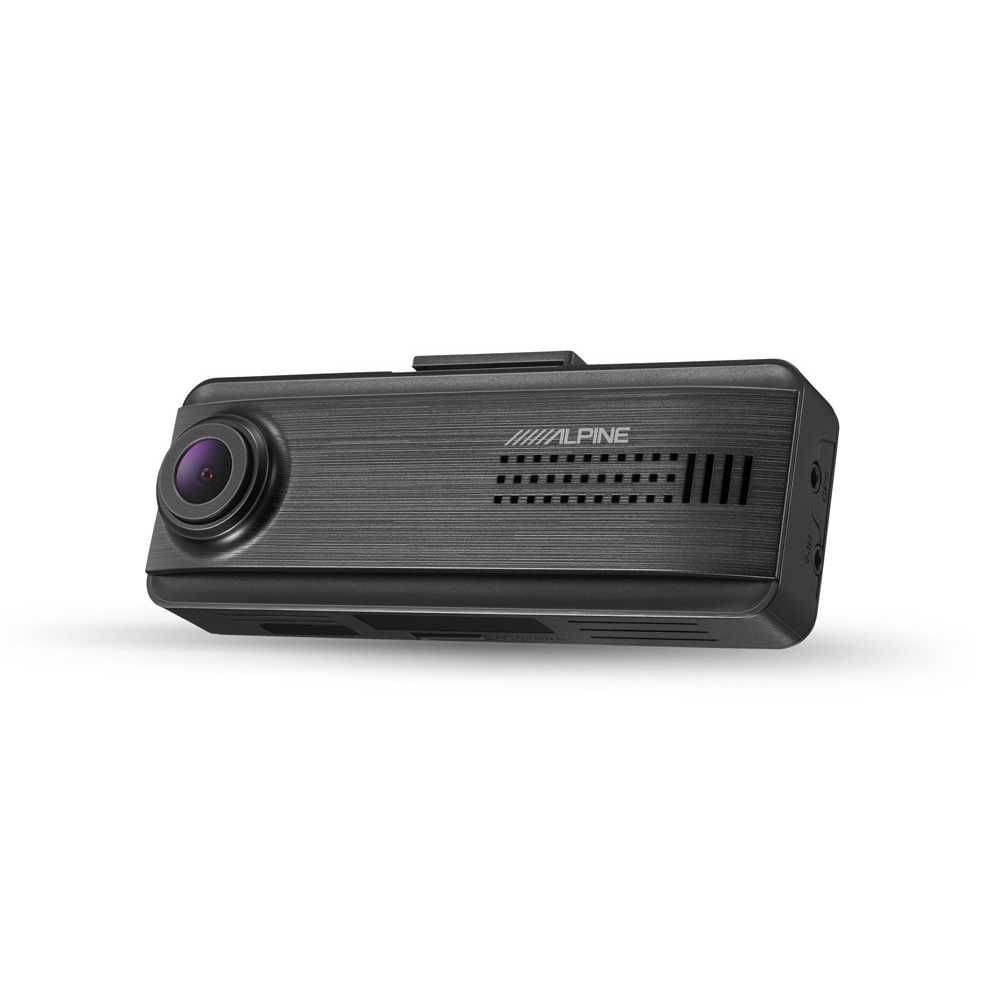
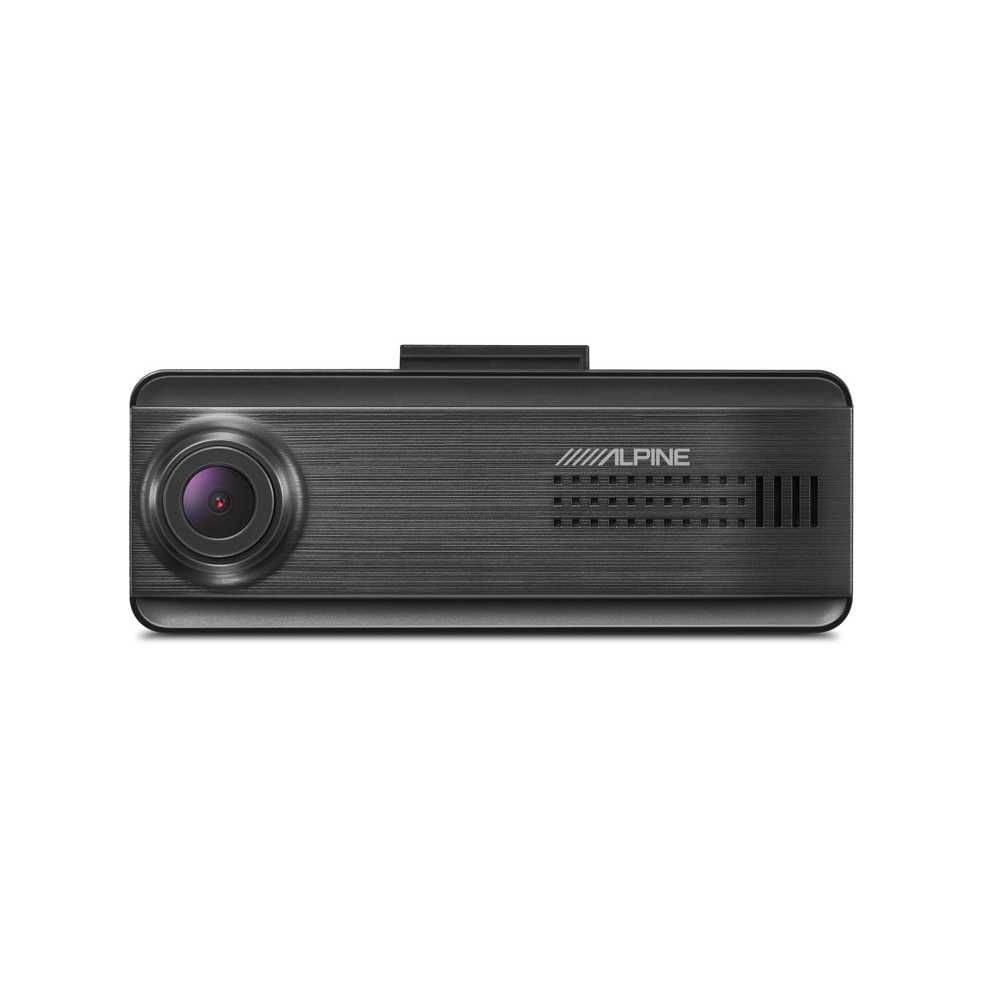
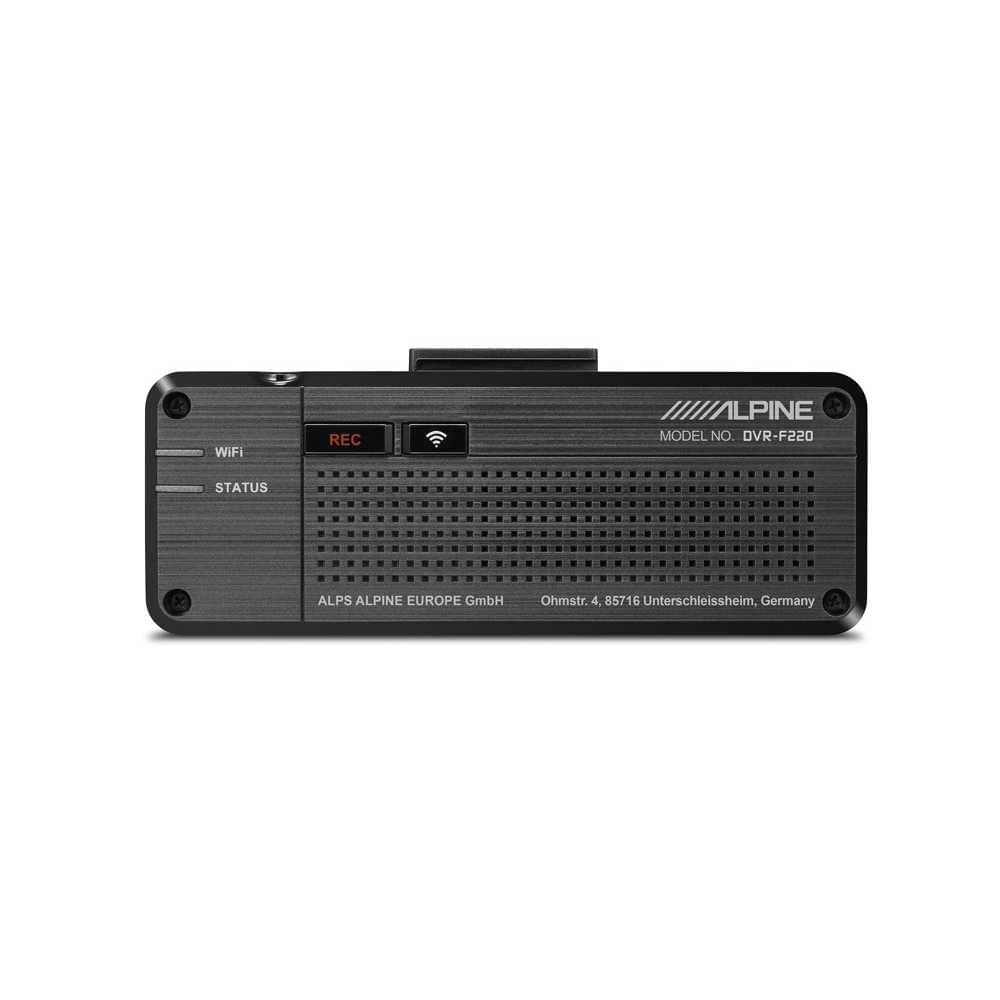
ALPINE Front Dash Cam DVR-F220
€172.80*
RRP €199.00* (13% gespart)Delivery time: 2 - 3 Wochen
Product information "ALPINE Front Dash Cam DVR-F220"
The watchful eye for your safety
- Camera:
- 2 megapixels, CMOS
- Resolution: Full HD (1920 x 1080P @ 30fps / H.264 / MP4
- Viewing angle (lens): Front: 140° (diagonal)
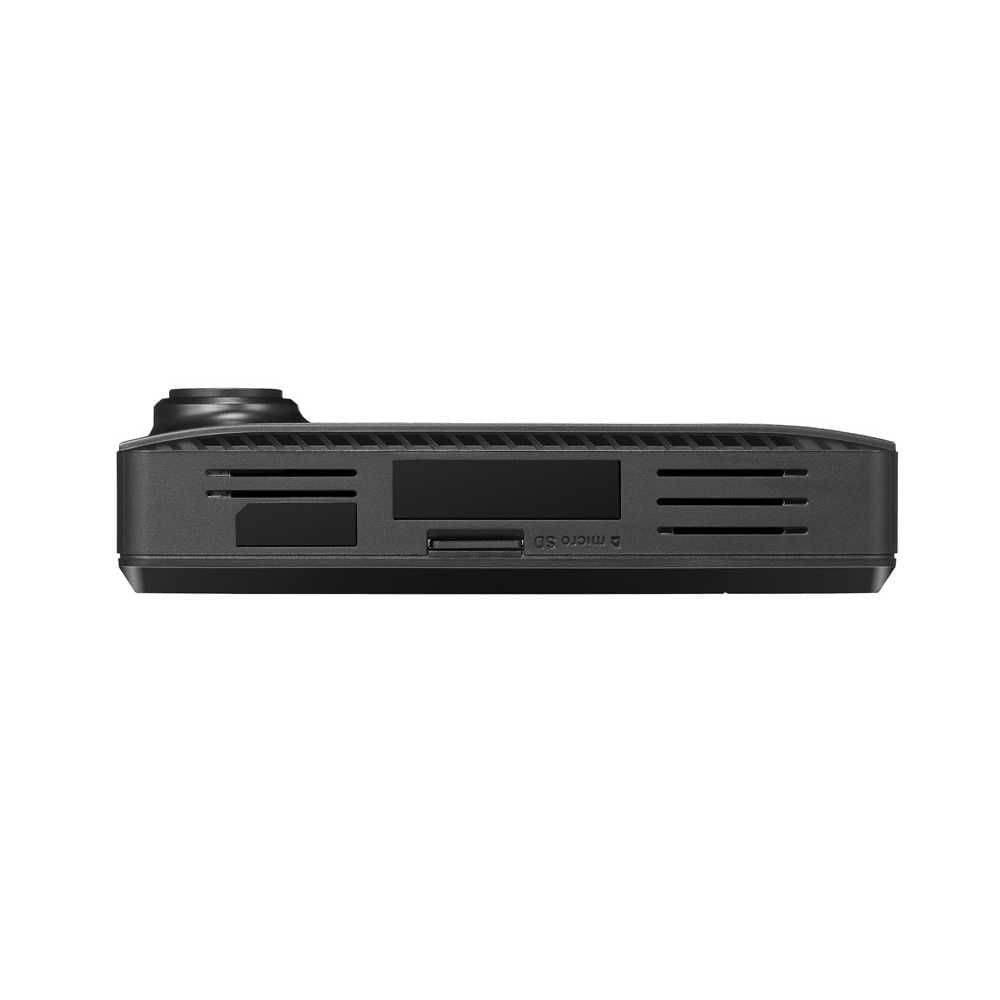
- Storage capacity microSD card: 8 GB Class 10, 16 GB / 32 GB / 64 GB / 128 GB UHS-1
- Recording modes:
- Continuous recording
- Event recording
- Manual recording
- Parking recording (in parking mode)
- Audio recording
- Driver assistance and hazard warnings:
- Lane departure warning system
- Rear proximity alarm
- Collision warning system
- Front vehicle departure warning
- Speed camera warning
- General:
- 3-axis acceleration sensor G-sensor (3D, ±3G)
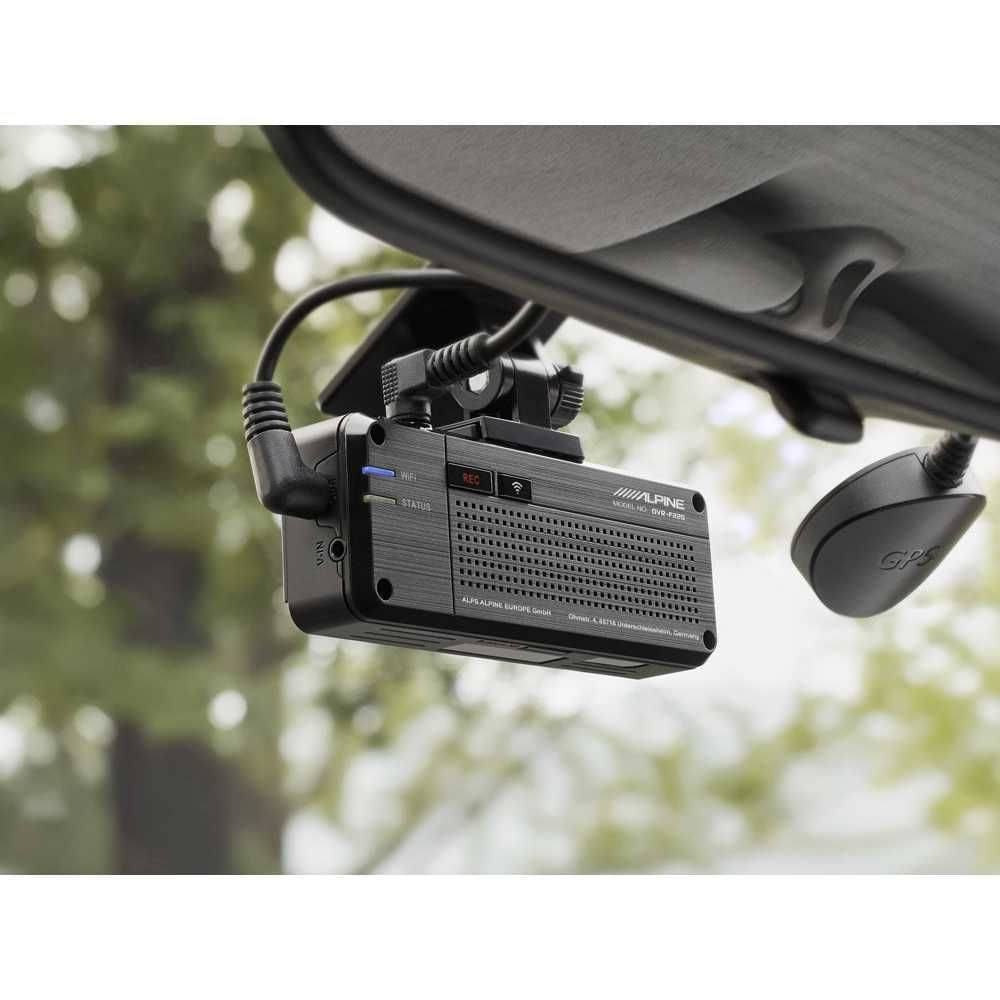
- External GPS receiver
- Integrated Wi-Fi
- Integrated speaker
- Power supply: DC 12/24V with super capacitor
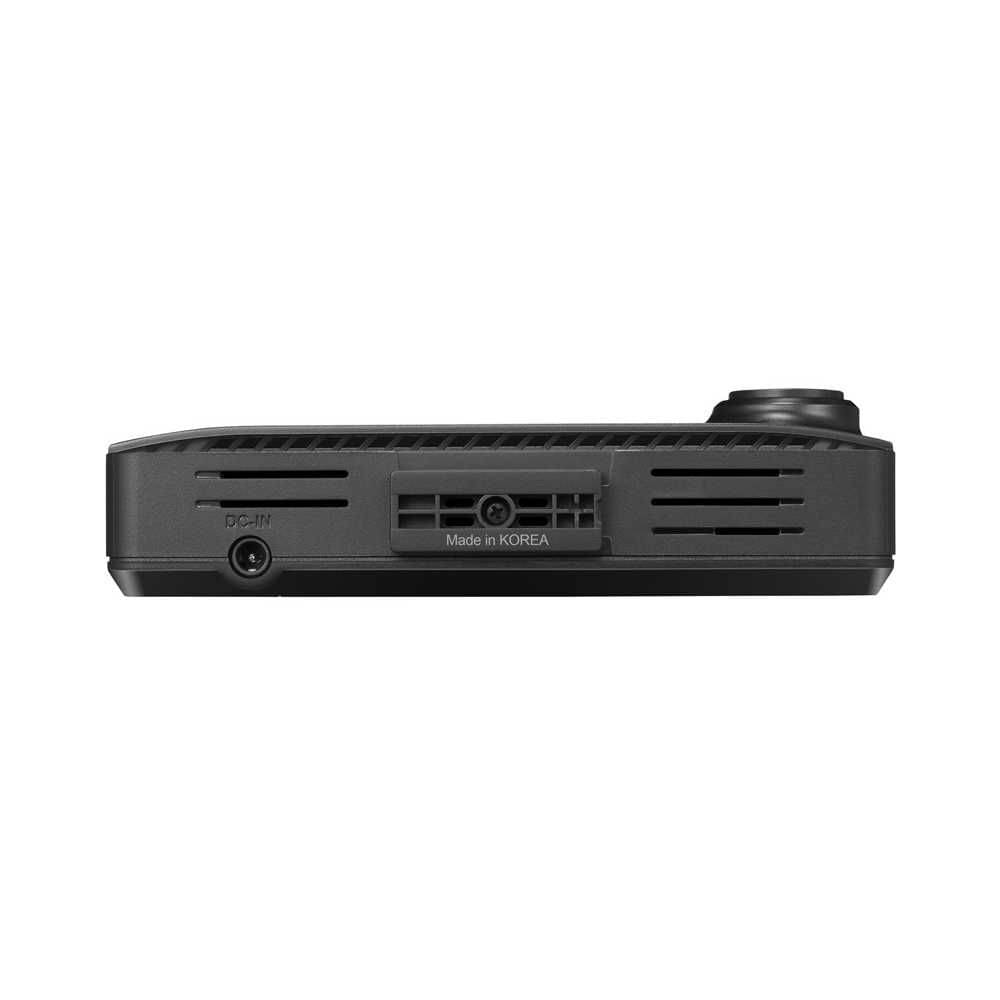
- Connections: 1 x AV-IN port, 1 x DC-IN port
- Multi-camera system supported
- Dimensions: Camera: 98.5 x 34 x 22 mm
- Camera weight: 54 g
- Included in the box:
- Dash cam main unit
- Mount
- Car charger
- Connection cable
- External GPS receiver
- Self-adhesive cable clips
- MicroSD memory card with 16 GB and adapter
Dash cam with driver assistance functions and multi-camera option
A dash cam is an on-board camera that continuously records events through the vehicle's windscreen. The recorded images can serve as digital evidence in the event of a road traffic accident, break-in or vandalism. When the vehicle is parked, dash cams can record video and photographic evidence of vandalism or damage.
The DVR-F220 records in 1080p Full HD, which guarantees excellent image quality, and features driver assistance functions such as lane departure warning, distance warning and more, as well as GPS and Wi-Fi functions. A reversing camera is also available as an option. With the optional RVX-100 camera expansion box, you can connect up to 4 additional cameras and build a complete monitoring system for the interior and exterior of your vehicle.
With the convenient Thinkware Dash Cam Link app, you can adjust settings and view recordings on the move. Download the Alpine Dash Cam Viewer for PC or Mac from the support section below to view your recordings on your home computer.
Recording in the best quality
The DVR-F220 records in 1080p Full HD at 30 frames per second and features a CMOS image sensor that ensures excellent recording quality even at night. This allows you to capture important details such as vehicle number plates to provide solid evidence of events in court. GPS geo-information and driving speed are also recorded.
Super Night Vision
When Super Night Vision is activated, sensitivity in low-light conditions is improved by delivering bright, high-resolution videos that produce clear images even in poor lighting.
Wide Dynamic Range
Avoid overexposure in your dash cam recordings when you encounter bright light sources while driving. This keeps your recordings clear and usable. Wide Dynamic Range (WDR) is a technology that enables the front camera to capture a clearer image in very high-contrast environments. It can resolve issues such as strong contrasts from light sources. When there is a sudden change in light coming from ahead, for example when entering or exiting a tunnel or in direct sunlight, the Wide Dynamic Range function eliminates excessively bright spots in recordings.
Recording road traffic accidents
After you get into your vehicle and start the engine, the dash cam begins recording automatically. The recorded videos are saved in one-minute segments using an automatic loop mechanism. In the event of an accident, the Active Impact Monitoring System automatically saves the video data from ten seconds before and after the impact.
GPS driving data
Using GPS data, the DVR-F220 can determine the vehicle's exact position and route on the map along with the speed driven. GPS helps you accurately assess the circumstances of an accident by providing the vehicle speed, direction of collision and severity of impact. The GPS position can be displayed on the digital map in the Dash Cam Viewer.
Vehicle monitoring day and night
The DVR-F220 features a parking mode that lets you monitor your vehicle at night as well. If a collision with another car, bicycle, etc. is detected, the camera saves this video footage, which you can view later to identify and prove the incident. In the morning, the camera informs you of all incidents recorded overnight.
Power saving mode
In power-saving mode, power consumption is reduced. This allows for longer video recording than in normal parking mode. If you leave your vehicle for an extended period, the power-saving parking mode is a recommended solution. While the device is in operation, it switches to sleep mode. As soon as the built-in G-sensor registers an impact, the device wakes up within one second and starts recording for the next 20 seconds.
Lane departure warning system
Drowsy or distracted driving significantly increases the risk of accidents on the road. The lane departure warning system warns the driver if the vehicle leaves its lane at a speed above 50 km/h.
Forward collision warning
Accidents can be avoided by keeping a safe distance from the vehicle in front. The DVR-F220's forward collision warning system calculates the distance between your vehicle and the vehicle ahead in real time while you are driving at more than 30 km/h on motorways or less than 30 km/h in a busy city, and issues a three-stage early warning to the driver depending on the risk of collision.
Front vehicle departure warning (FVDW)
Front vehicle departure warning After a traffic jam or a longer red light, the DVR-F220 gives you a brief notification when traffic ahead starts moving again.
Speed camera warning
You can download and update the speed camera database from our website here. You will then receive timely warnings when approaching radar cameras or speed cameras at junctions (the legal operation of this function is subject to local traffic regulations).
Thinkware Dash Cam Link App
The built-in Wi-Fi in the camera enables connection to the Dash Cam Link app, so you can view, download, delete or share recordings directly from your smartphone. Thinkware Dash Cam Link provides easy access to your Alpine dash cam. Share your best driving videos on social networks by simply uploading the dash cam recordings to your smartphone's photo album. View and manage your videos and dash cam settings in a single application.
Dash Cam Viewer for PC and Mac
With the intuitive and user-friendly interface of the Alpine Dash Cam Viewer for PC and Mac, you can easily view your recorded videos. You can play back and download the recorded videos together with the route history and speed recording, and see whether videos are flagged as having recorded a collision with another vehicle (parking mode). You can also change the dash cam settings or format the memory card. You can download the Alpine Dash Cam Viewer from the support section.
Expansion with reversing camera
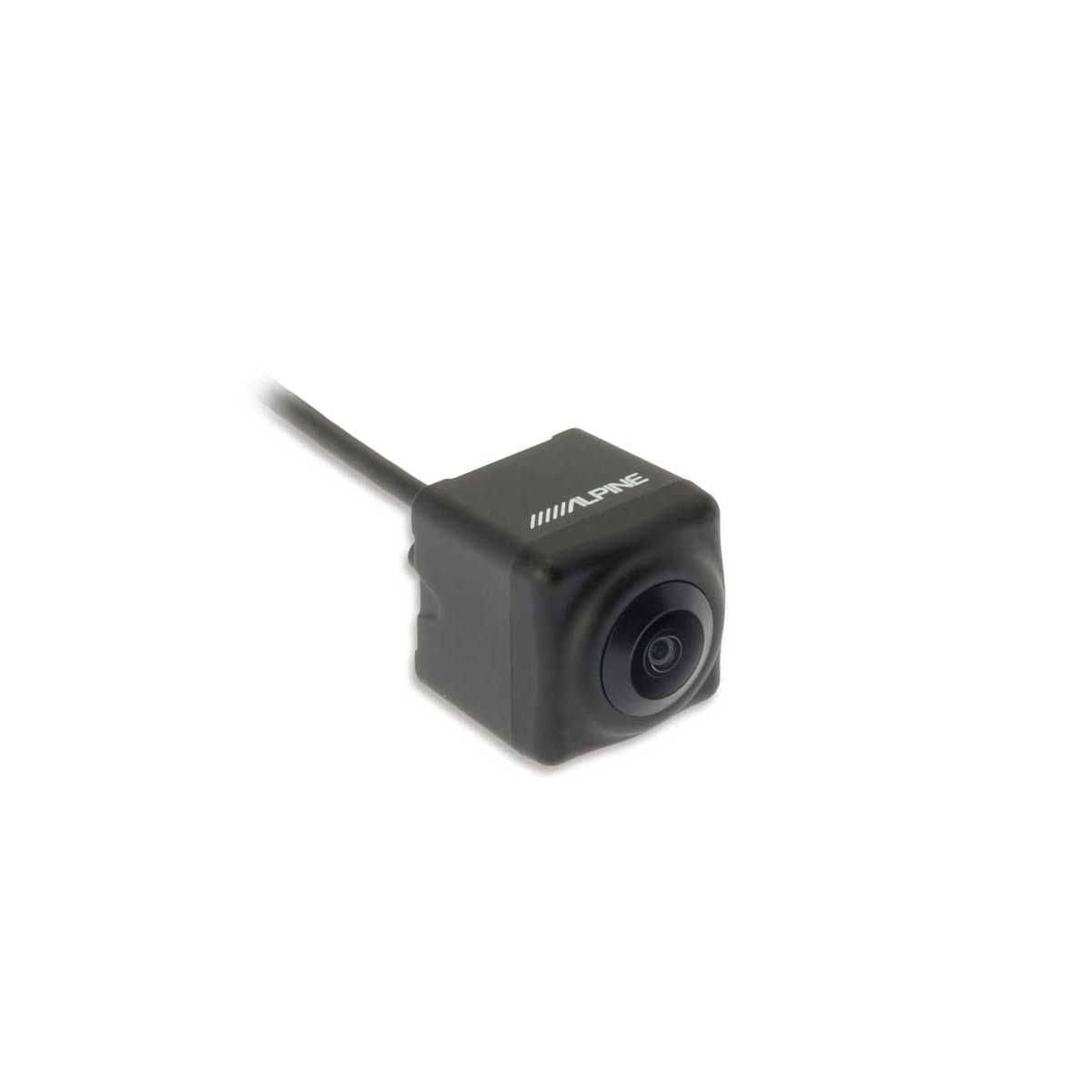
Alpine offers an additional reversing camera (RVC-R790) that simultaneously records traffic through the rear window. This gives you extra safety while driving and in parking surveillance mode. When recording in 2-channel mode, an optional 256 GB microSD card provides a recording time of approx. 16 hours before non-event footage is overwritten.
| Marke: | ALPINE |
|---|

Alps Alpine Europe GmbH
Ohmstraße 4
87516 Unterschleißheim
support@alpine.de
- %
ALPINE Freeview Camera Connection Cable Extension for DME-R1200
Sale price: €74.90* Regular price: €79.90